
Repeater Setup
Step 1 Initial configuration after flashing the firmware
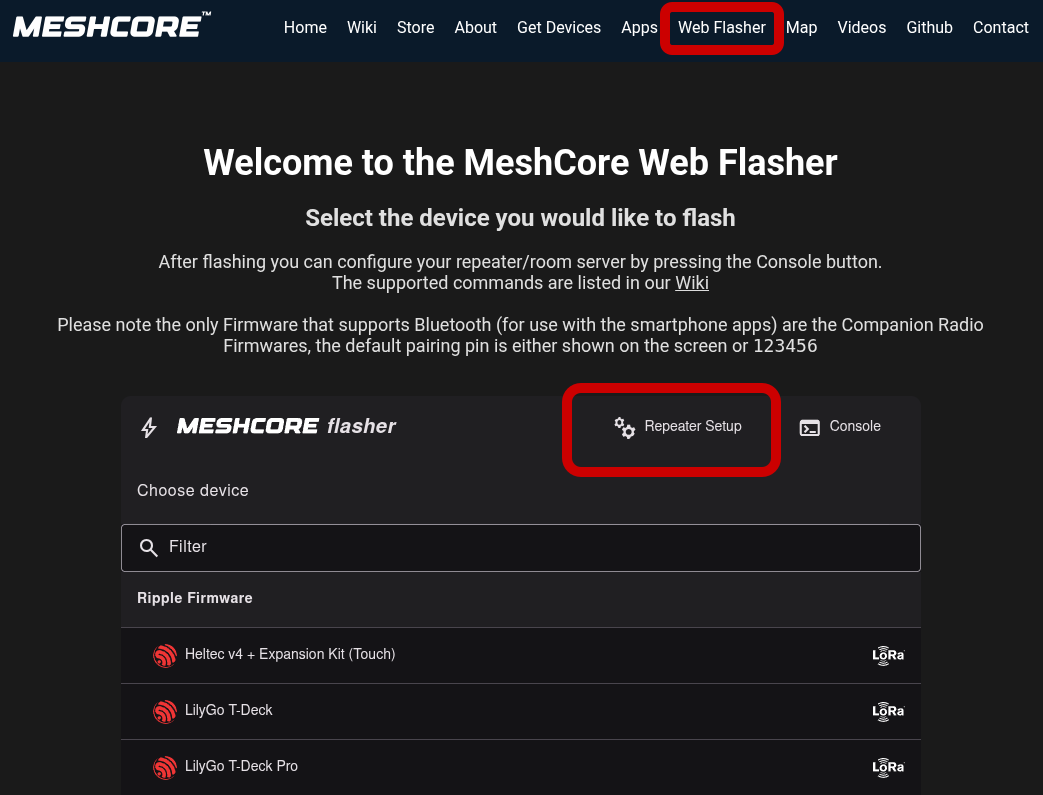
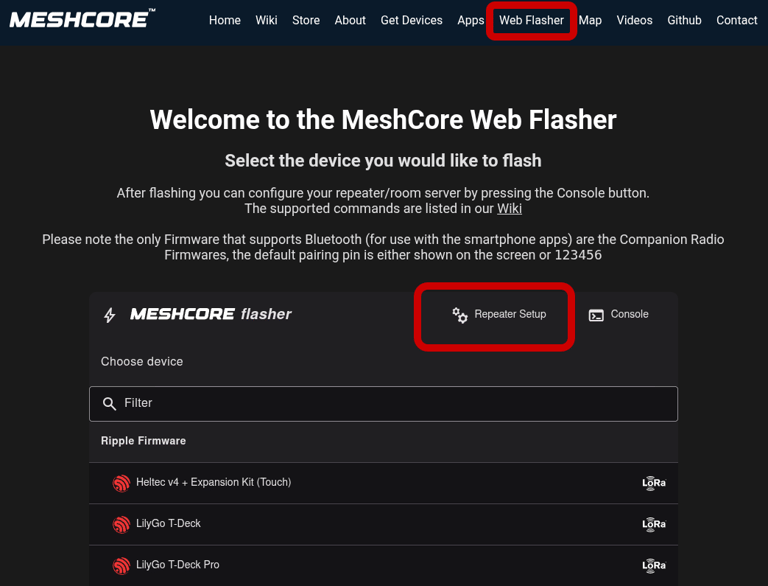
after you flash your board on web flasher, select tab "repeater setup" and than "Connect"
select your board from usb devices
This article won't describe how to flash firmware onto the device. I assume that you already have the hardware ready. The goal is to brifley guide you through the setup process in the Meshcore app.
Step 2 configuration
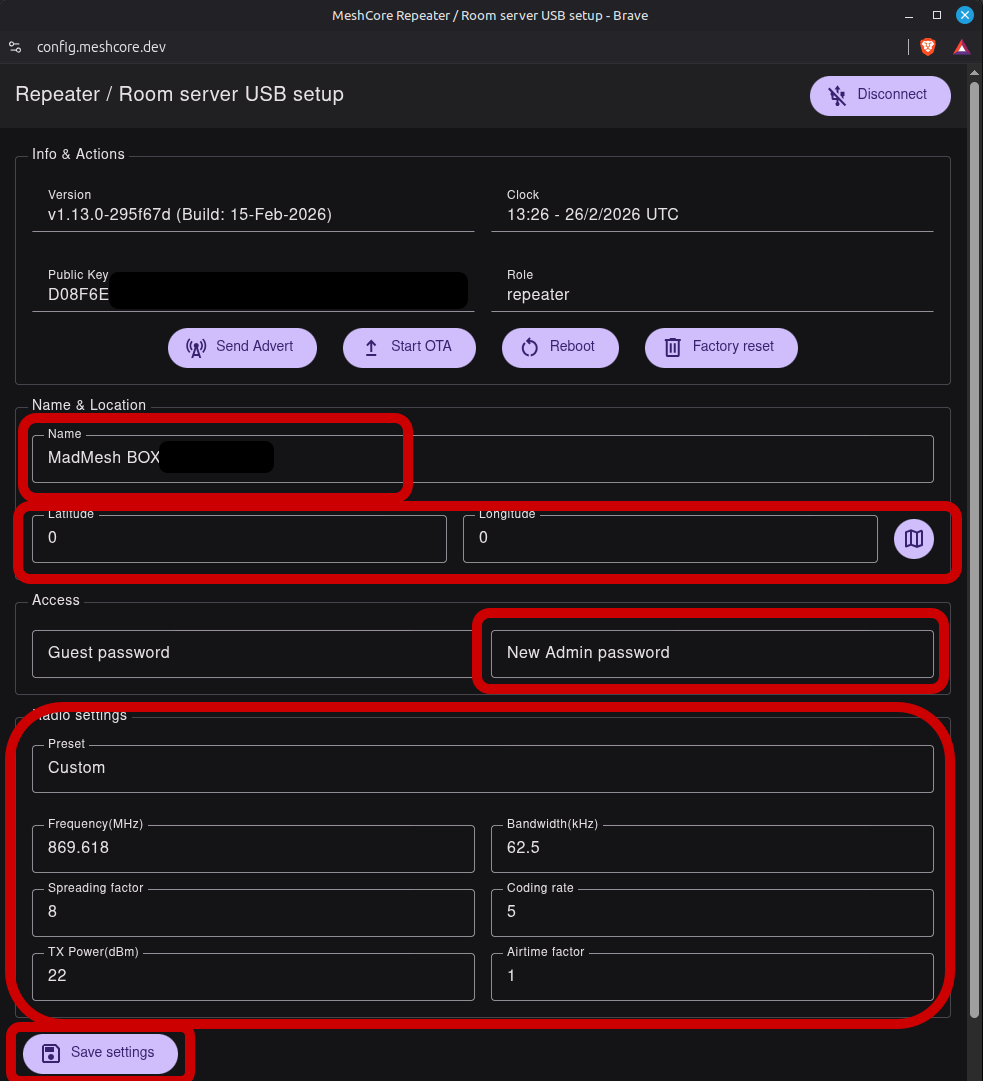
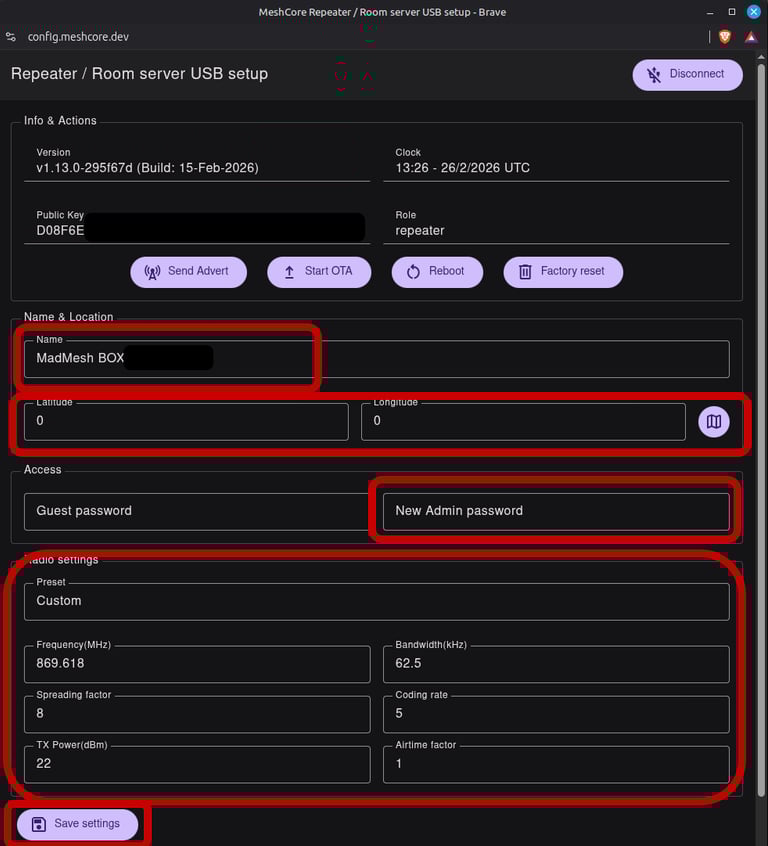
Add an unique name
Set position (see good practice section)
Add admin password
leave Guest pass empty if you want others to see basic information (empty recomended)
Set your regional radio preset
Hit save and reboot
Now your repeater is almost ready to use.
The rest of the setup we will dothrough meshcore app in your phone
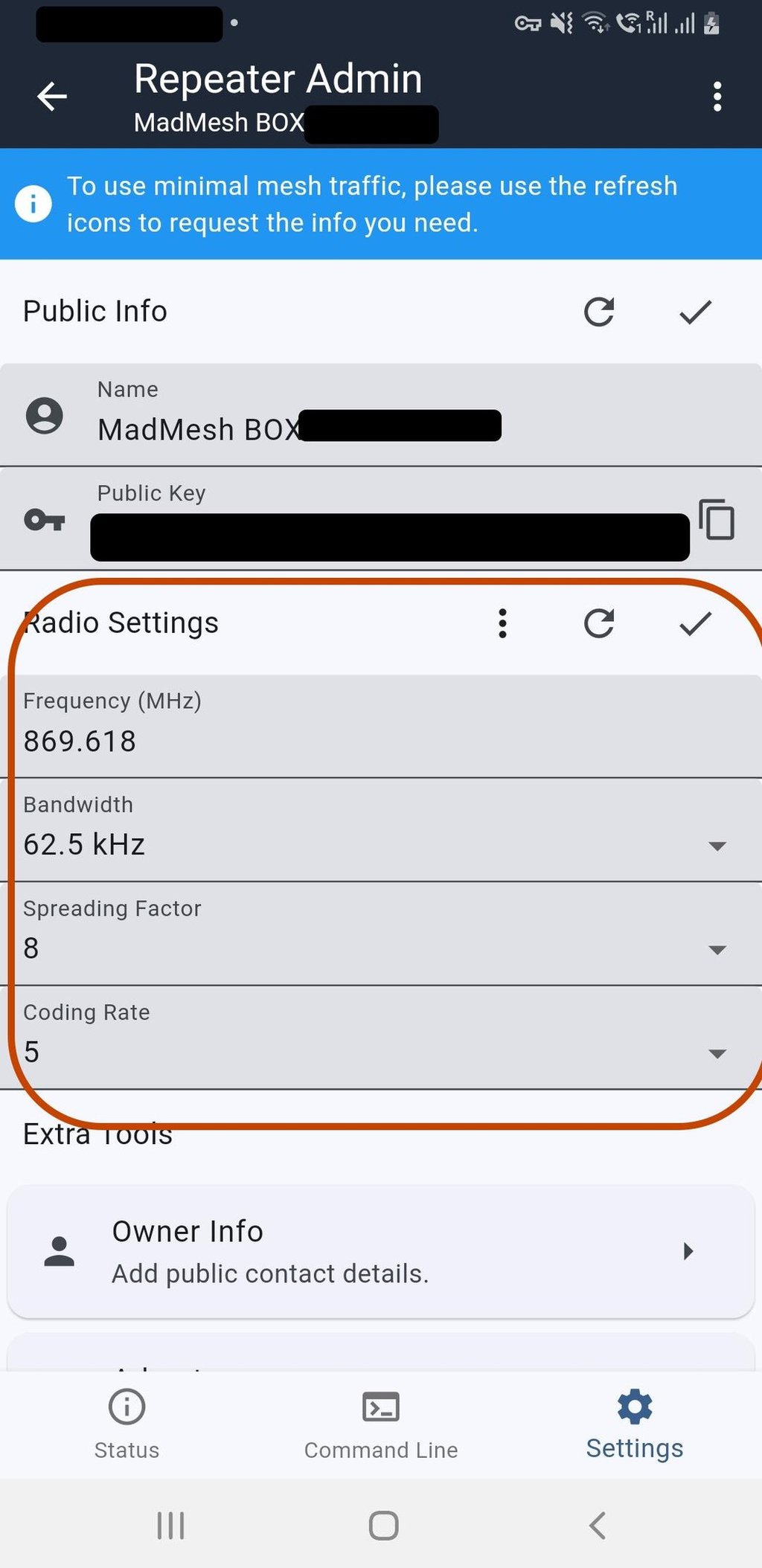
Radio settings
Before selecting anything form there, check the online meshcore map, to see what is the correct setup for your area, or ask your friends that are already connected.
The radio settings are important. If you select wrong settings, nothing bad will happen, but you will not be able to communicate with others.
In Madrid zone we are using standard preset EU/UK Narrow.
Click "choose Preset" and select it form the drop down list.
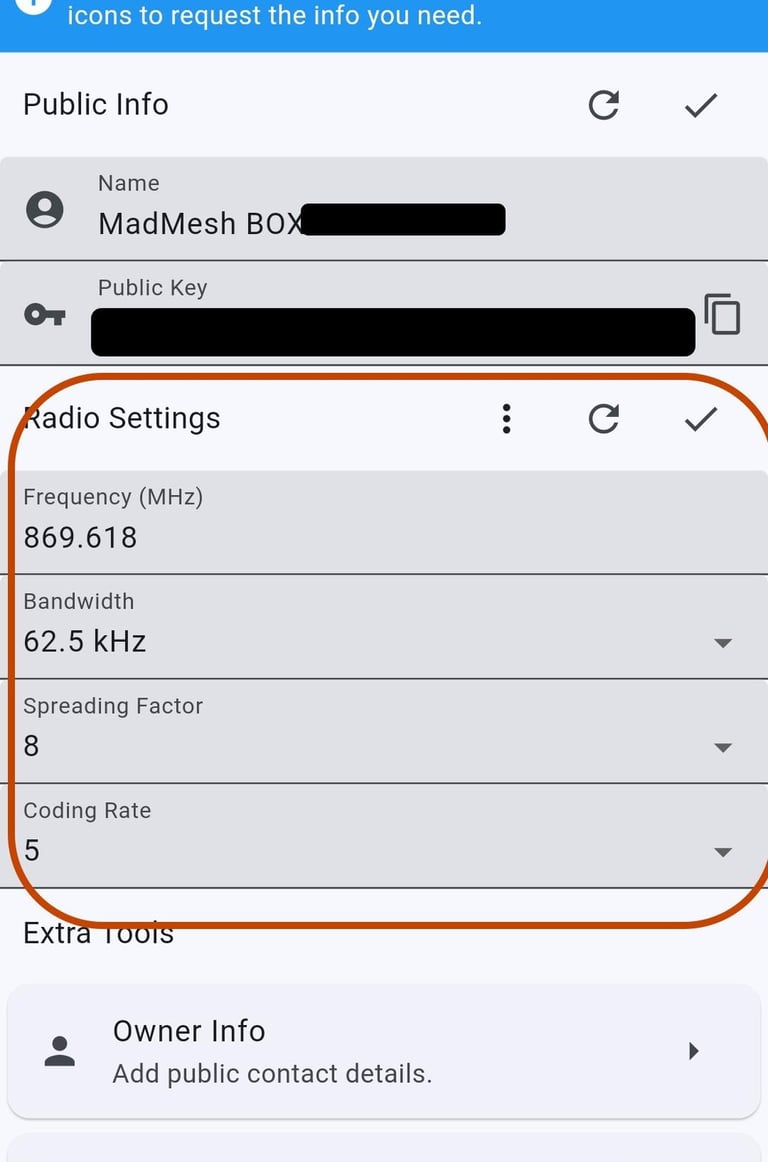
The final result will look like this.
Click "confirm" in the top right corner.
Good practice / recommendations
About the name, be privacy conscious, but give something human friendly, maybe related to your city, area? Maybe not exactly your full name.
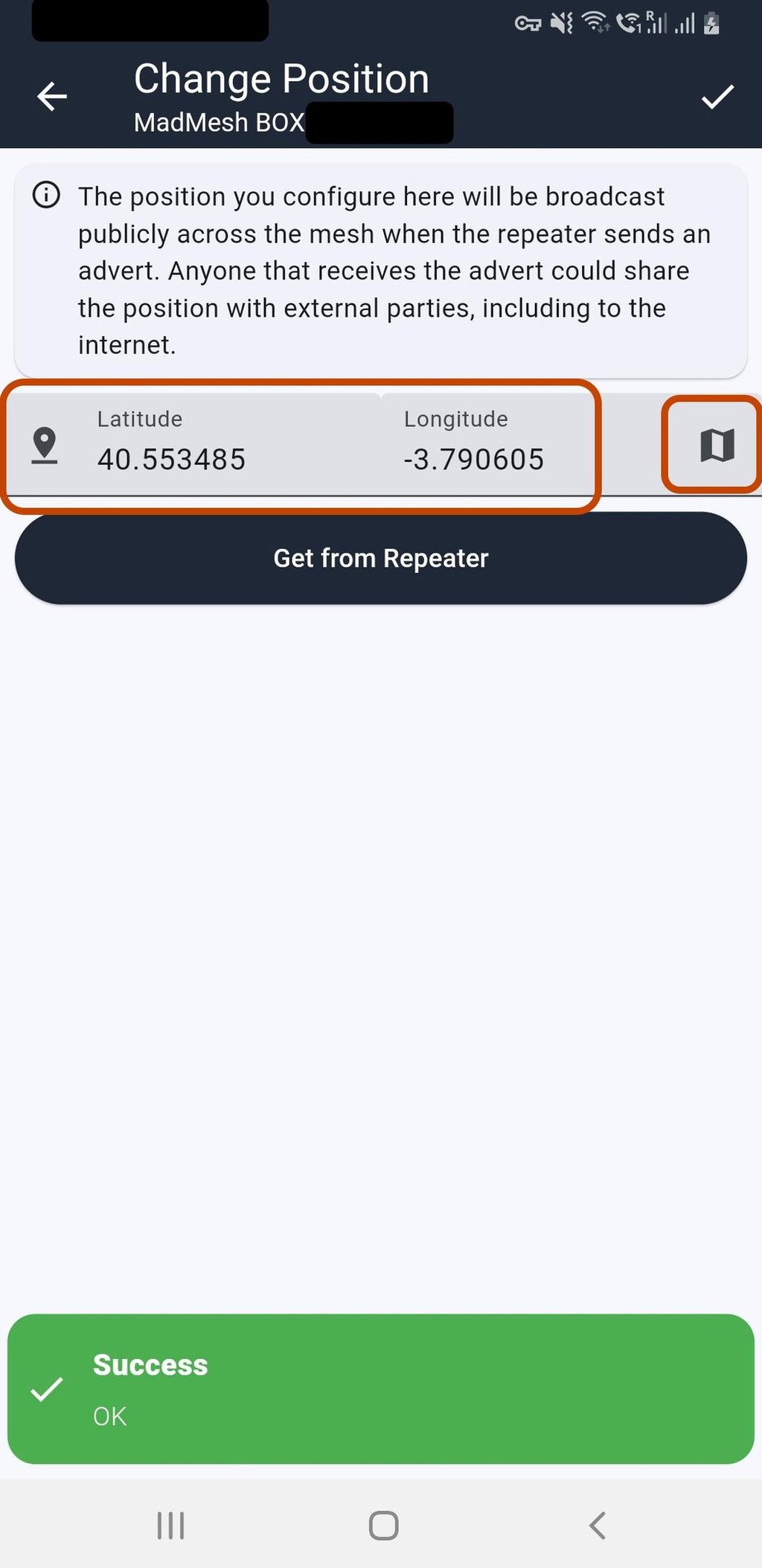
Coordinates, and location sharing, I would recomend to set something here, maybe not the exact location, but something close, to let others know in what area you are.
500-1000m is a safe range form the exact location.
this position will be shared when you send an advert .
For privacy reasons, Meshcore App is not taking the location form your device, you have to have GPS on your companion radio, or add position manually form the map.
If you leave it to 0,0 your position will not be shown on the map.
All done!
Your new repeater is ready.
You can send some manual adverts, and write a message on public channel, like “hello everyone” ;-)
Happy Meshing!
Step 3 In App setup
Open app, and go to tools section
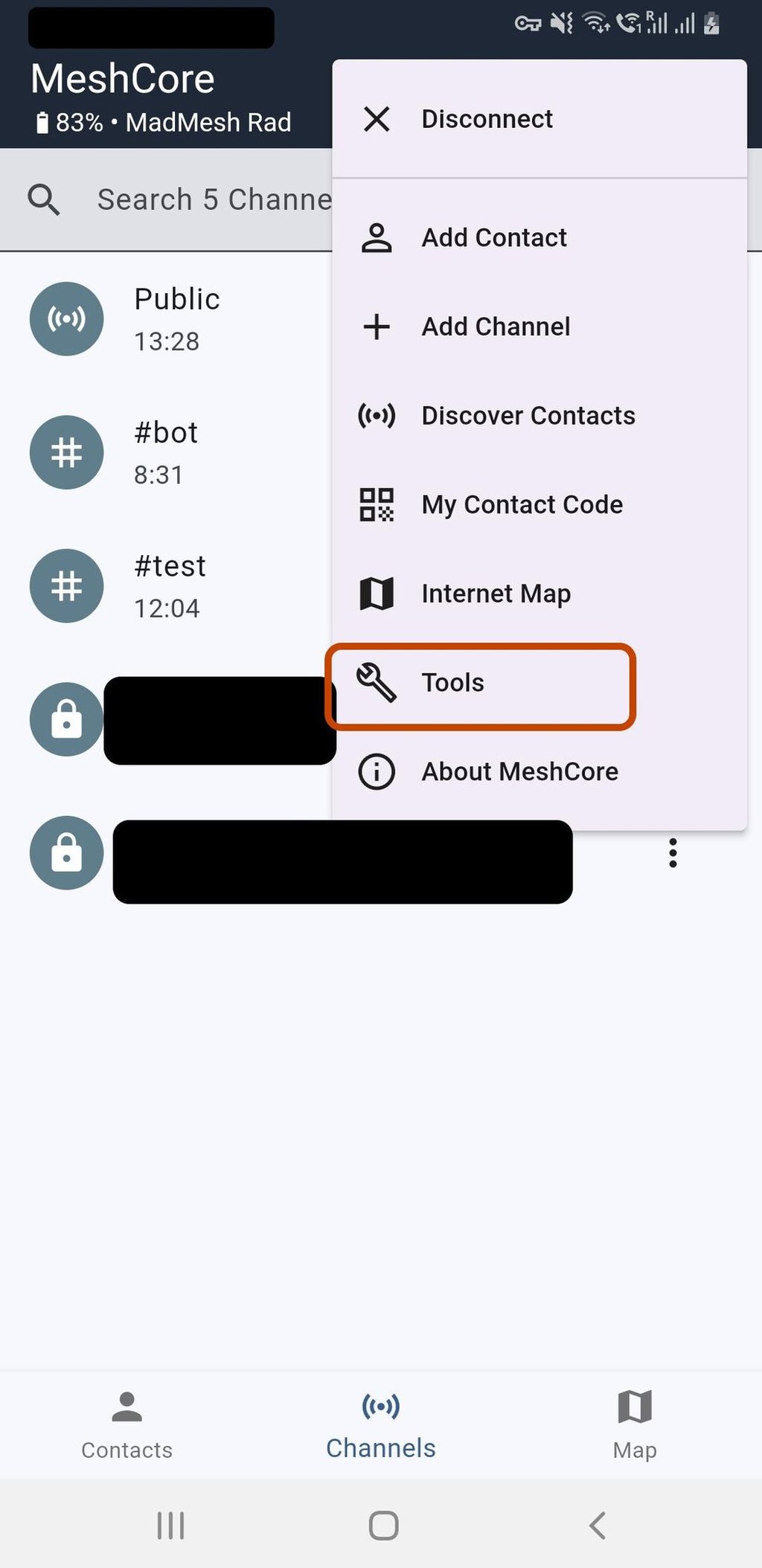
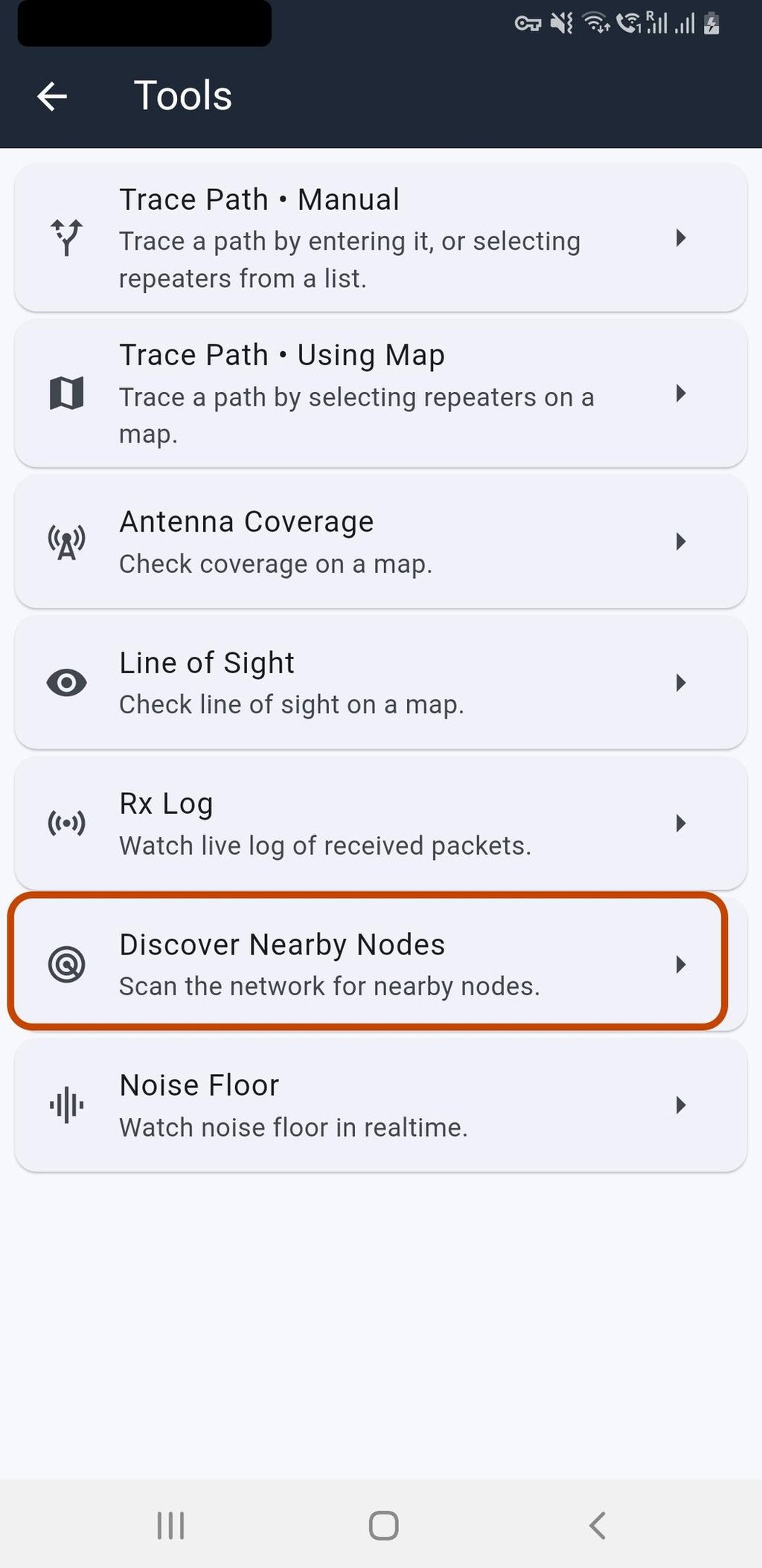
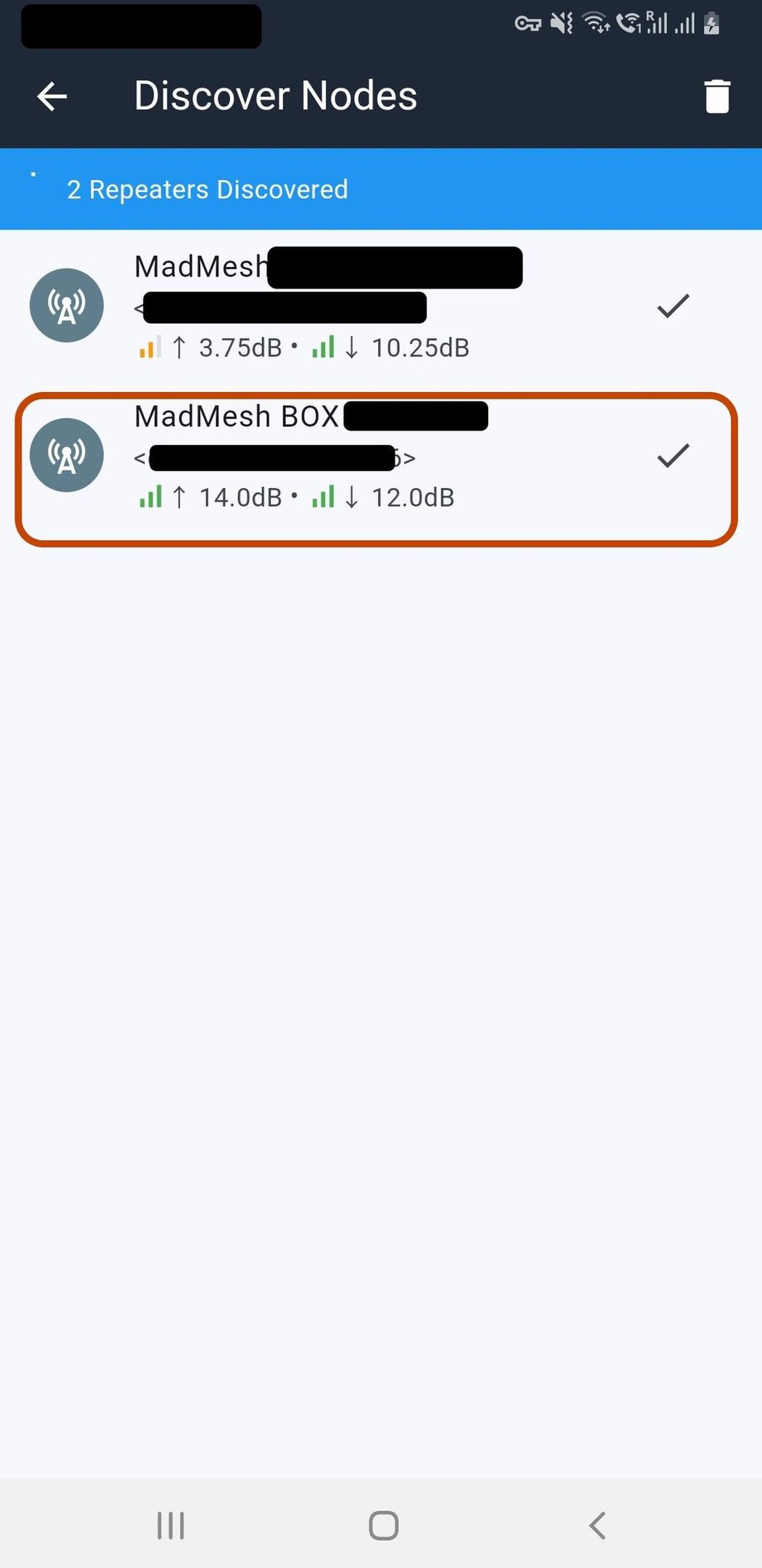
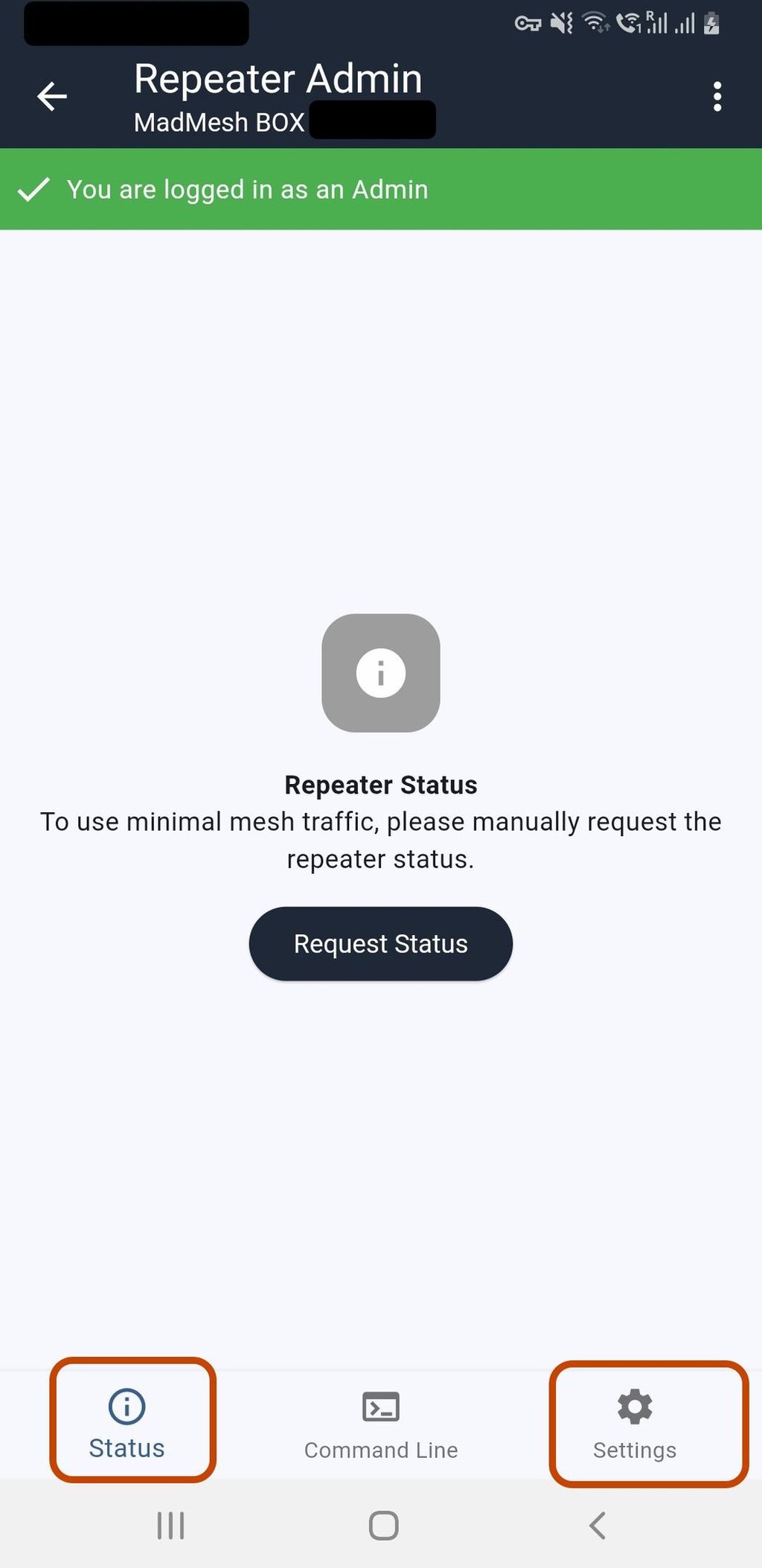
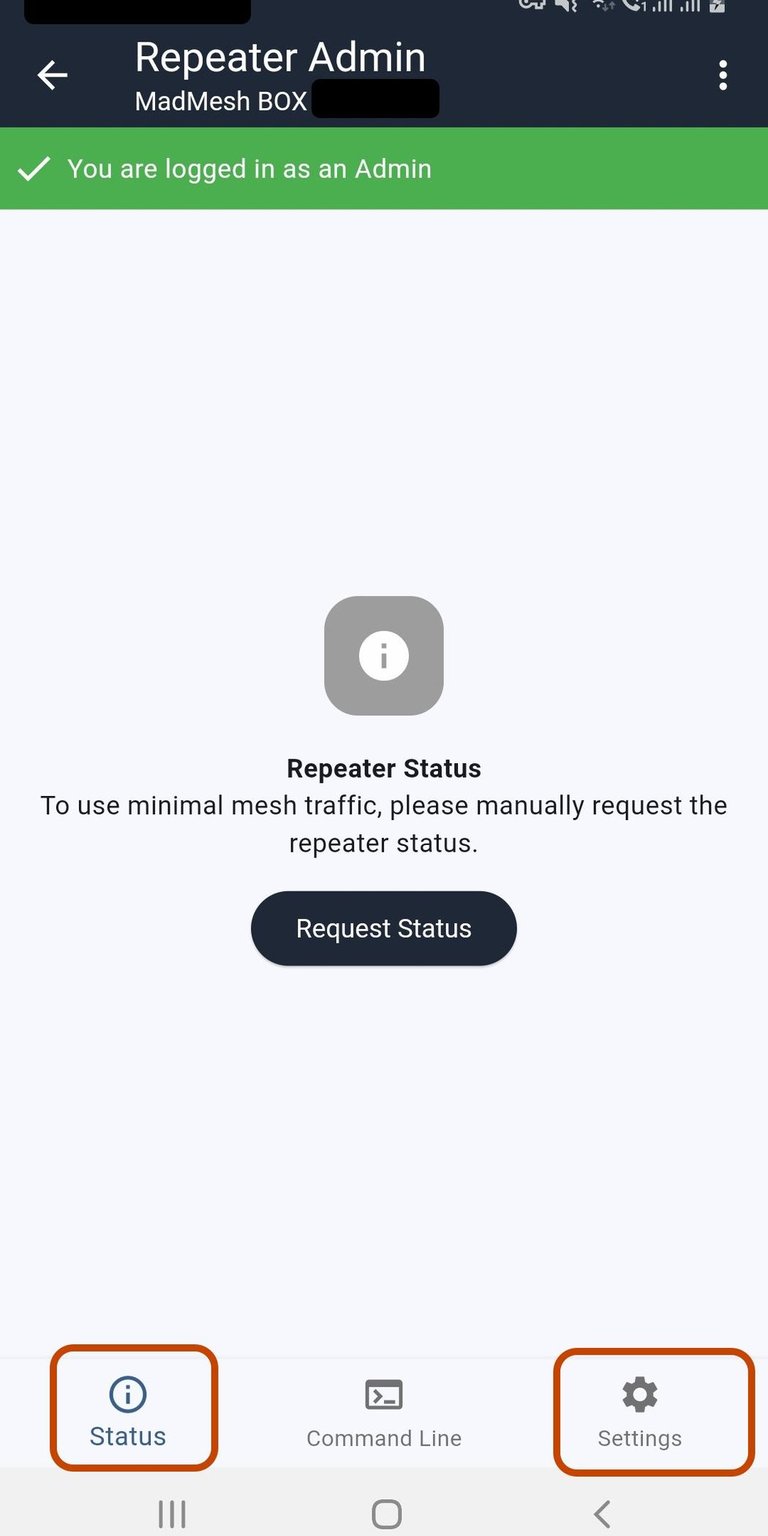
Select Discover Nearby Nodes
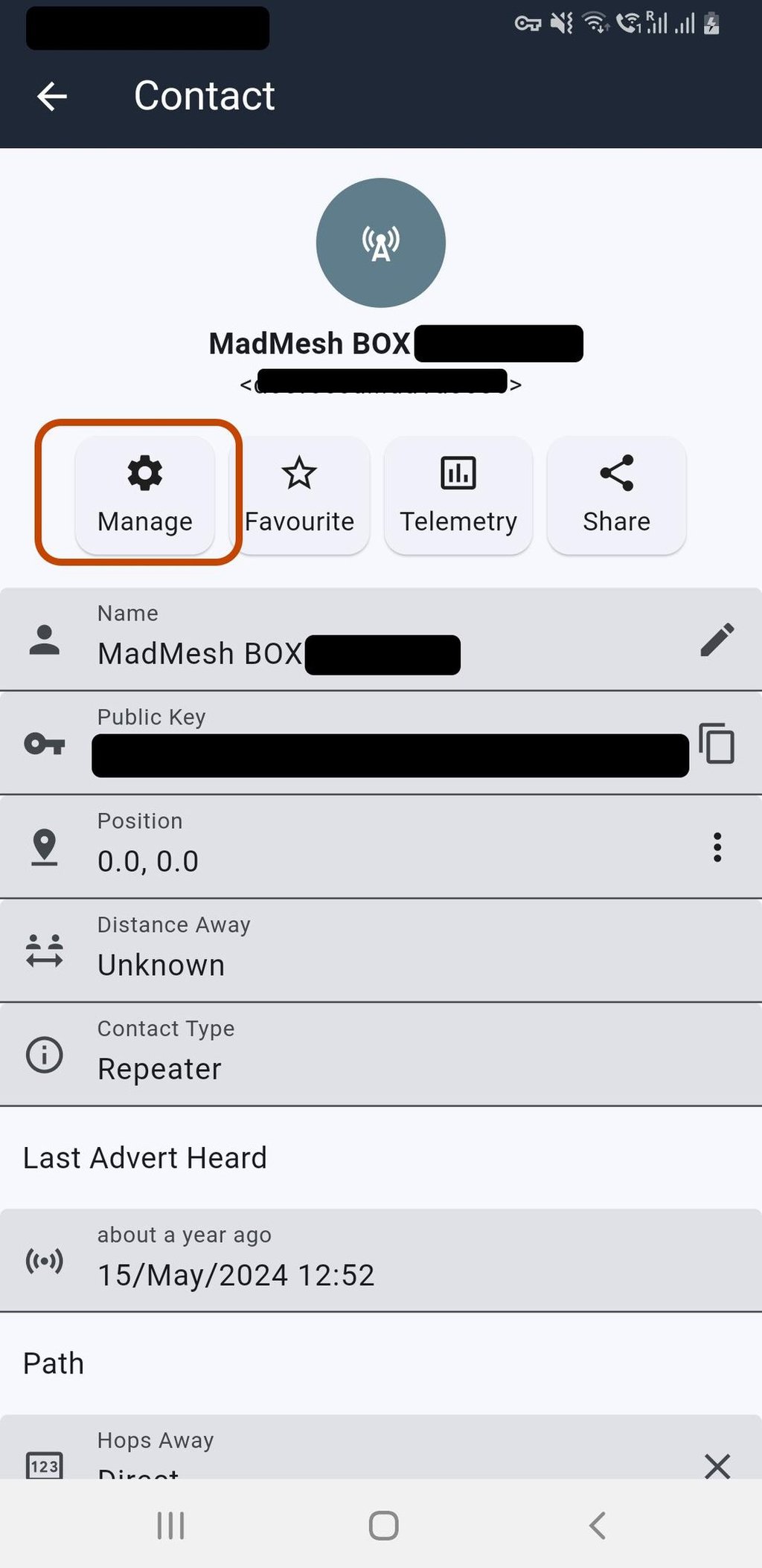
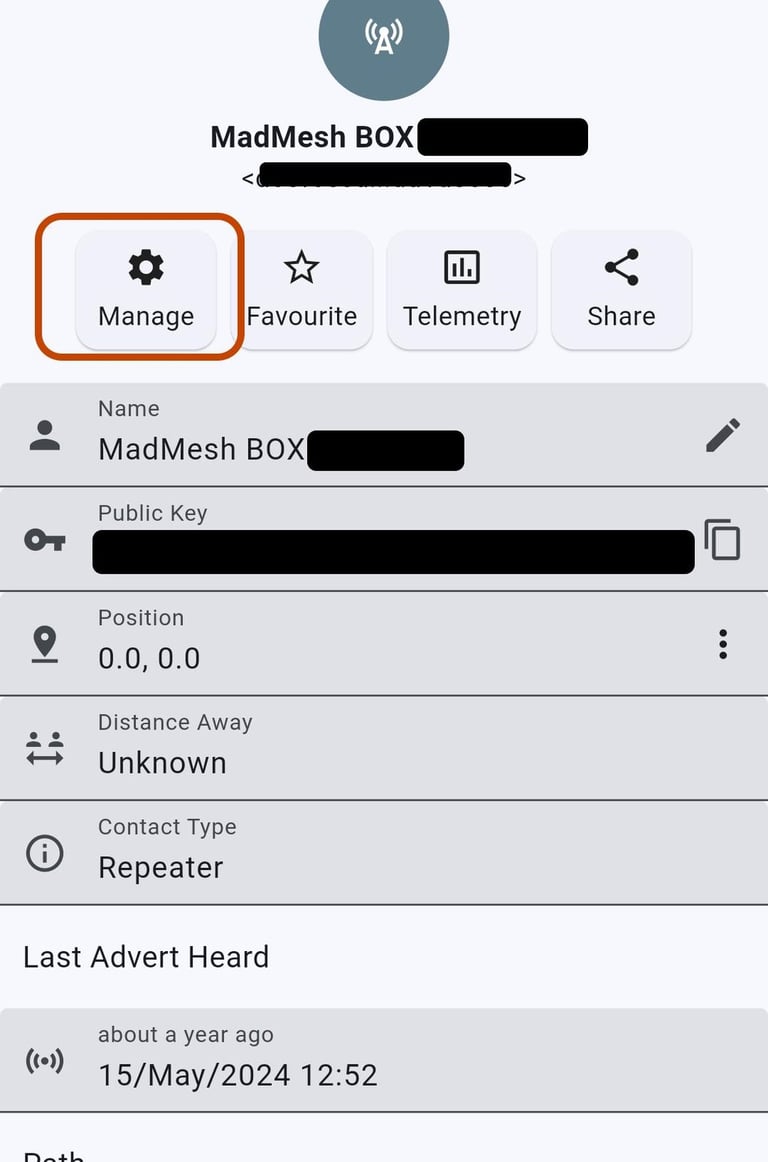
Select Manage
Select Settings
Here you can eddit more settings, like the name, radio preset etc.
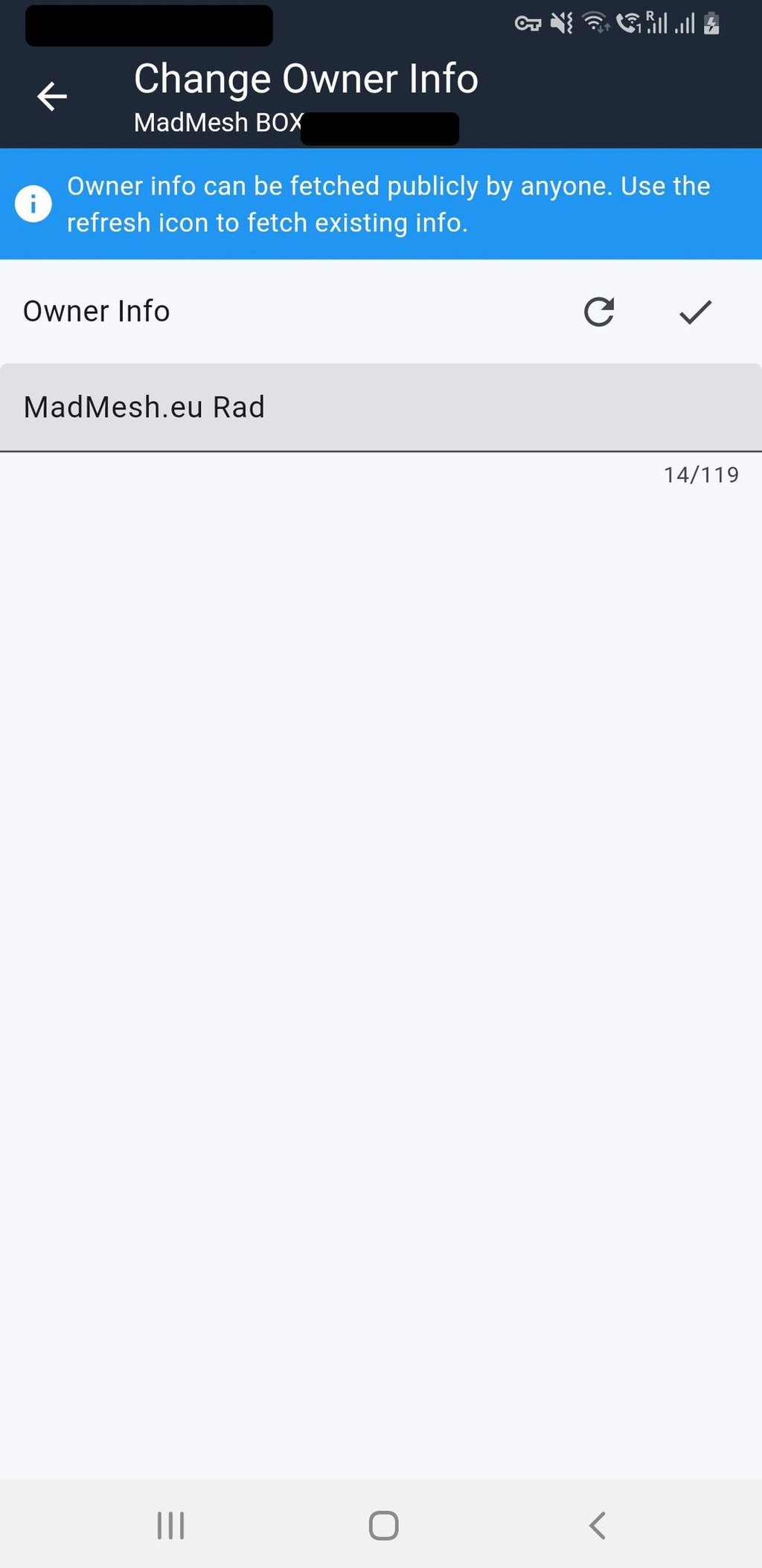
Owner info will allow you to add some information about you, your team etc.
(maximum 119 characters)
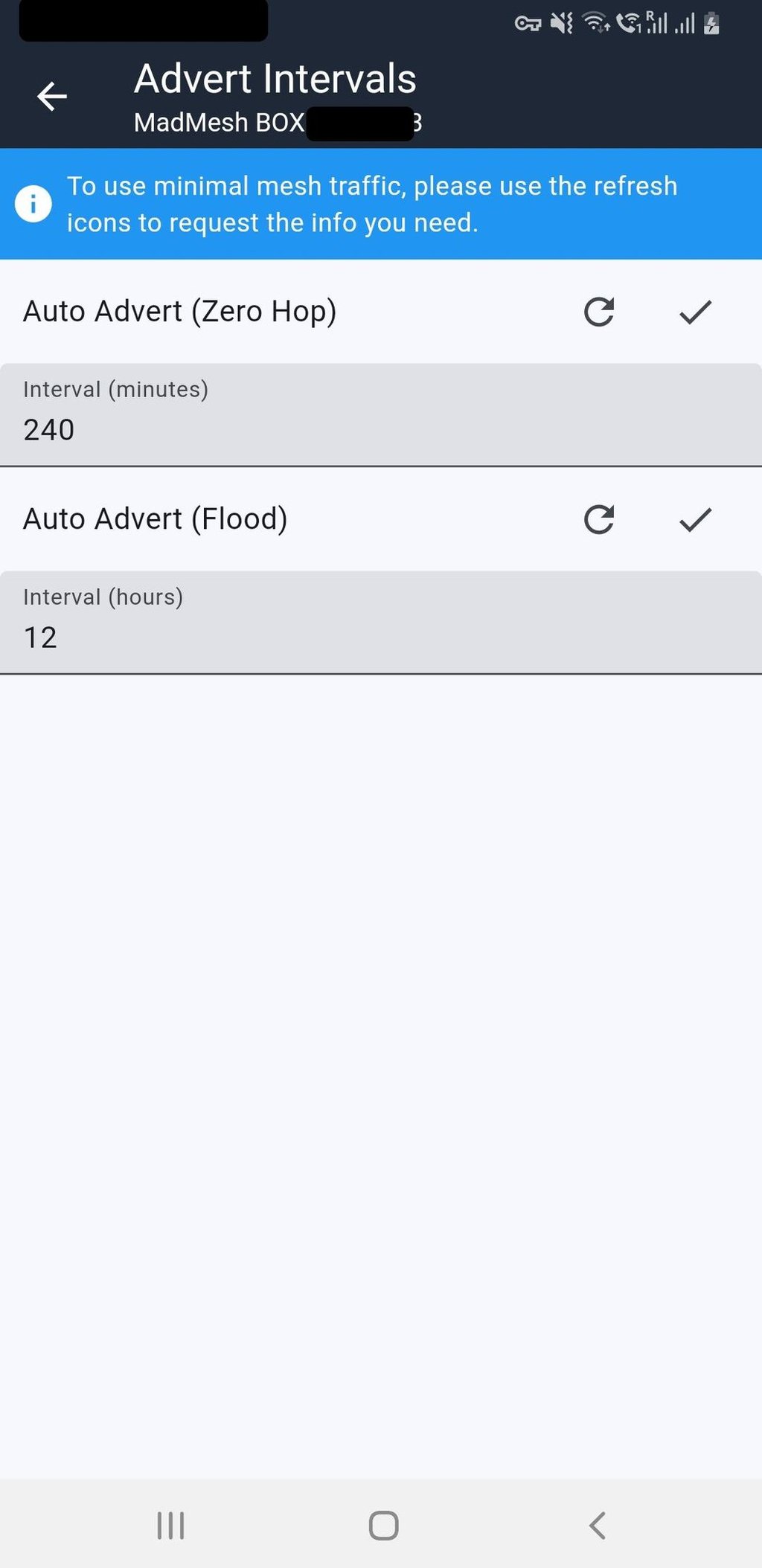
Advert settig, you sellect how often rpt will send adverts
recomended value for zero hop is 240min (maximum)
and 12-48H for flood advert
try to keep this values as high as possible, to reduce of trafic, and save resources
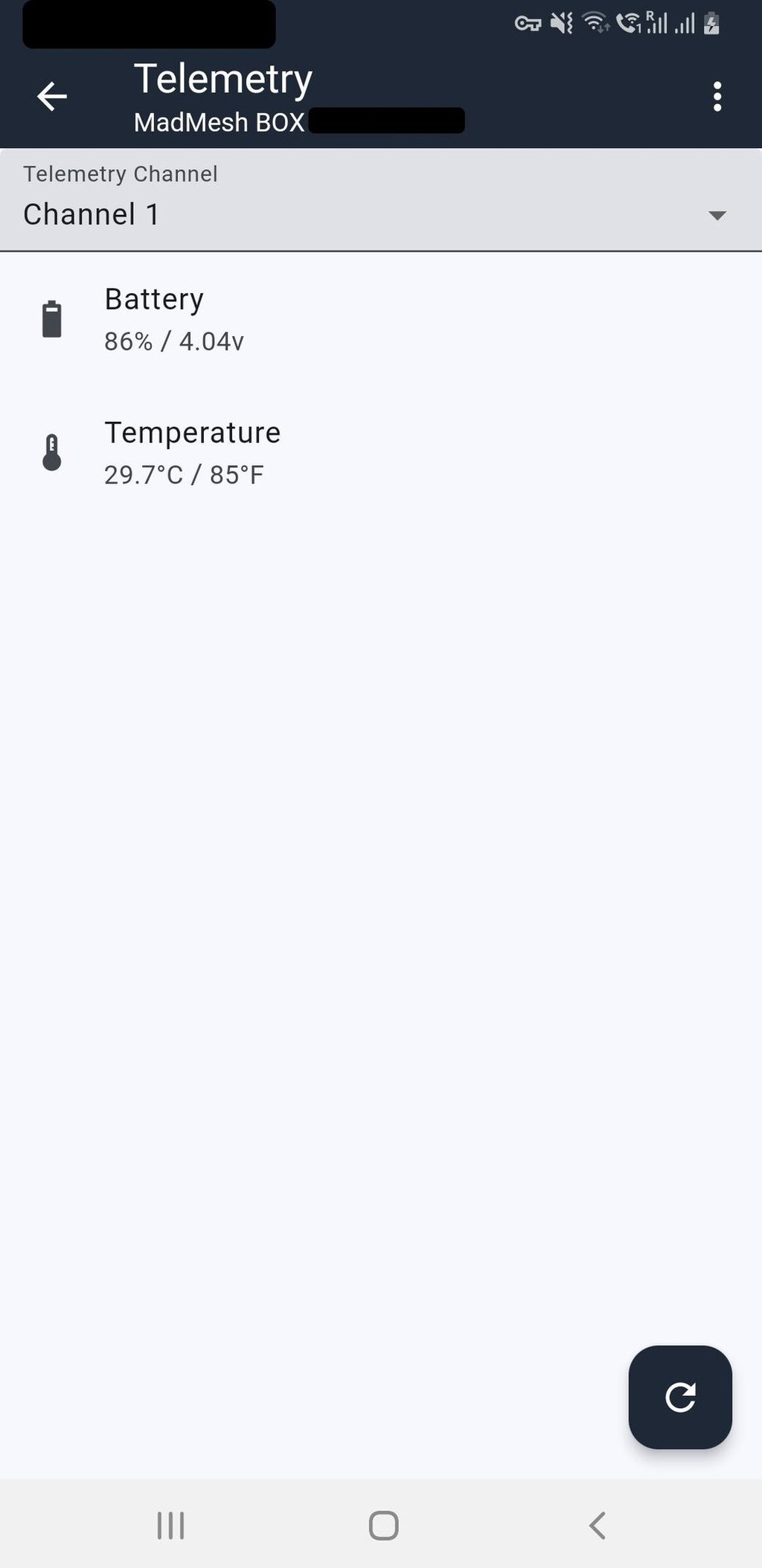
Basic telemetry, great feature added in firmware 1.12, shows not only battery but also board temperature, so you don`t need to add any sensors to get some basic info. this is not environment temperature, the board will be a bit warmer
RPT position, add something to let the rpt work correctly, not the middle of the ocean, something close to the real place, as close as 200-500m will be great, it will help others to join, or make some range/distance calculations
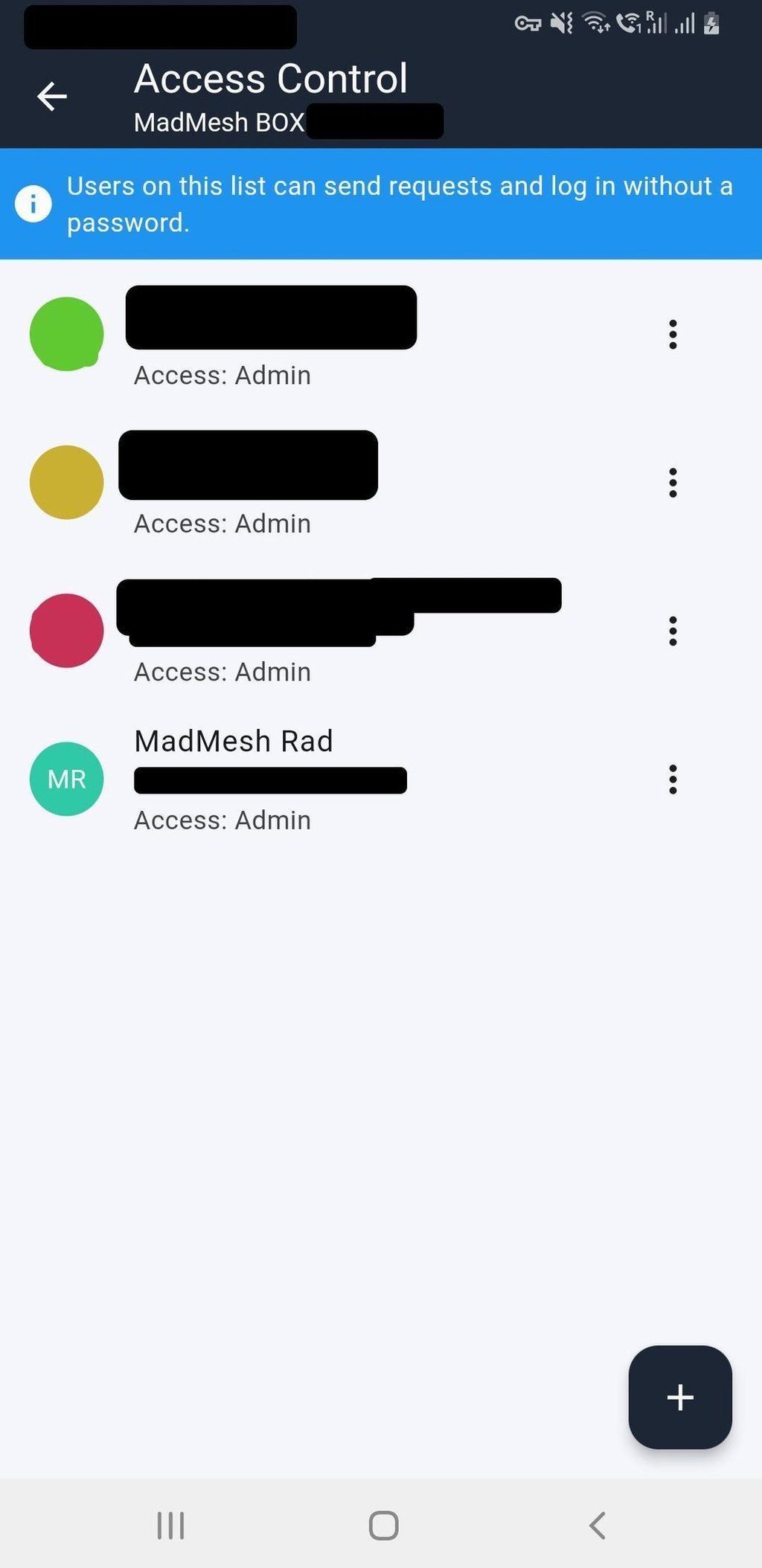
If you are "single-player" , access control is not for you, but if you are building with your friends you can add them to the trusted users list, they will get password less access
Select you repeater from the list
If you can`t find your rpt on the list, probably your companion and rpt are set to different radio preset, go back to initial setup via USB and make sure you sellect correct one.
Don`t forget to save settings!
© 2025. All rights reserved.