
Companion Radio Setup
Step 1 connecting the device
download and install Meshcore app on your android or apple device
open the app and approve required permissions
don`t pair your radio via BT in the phone settings
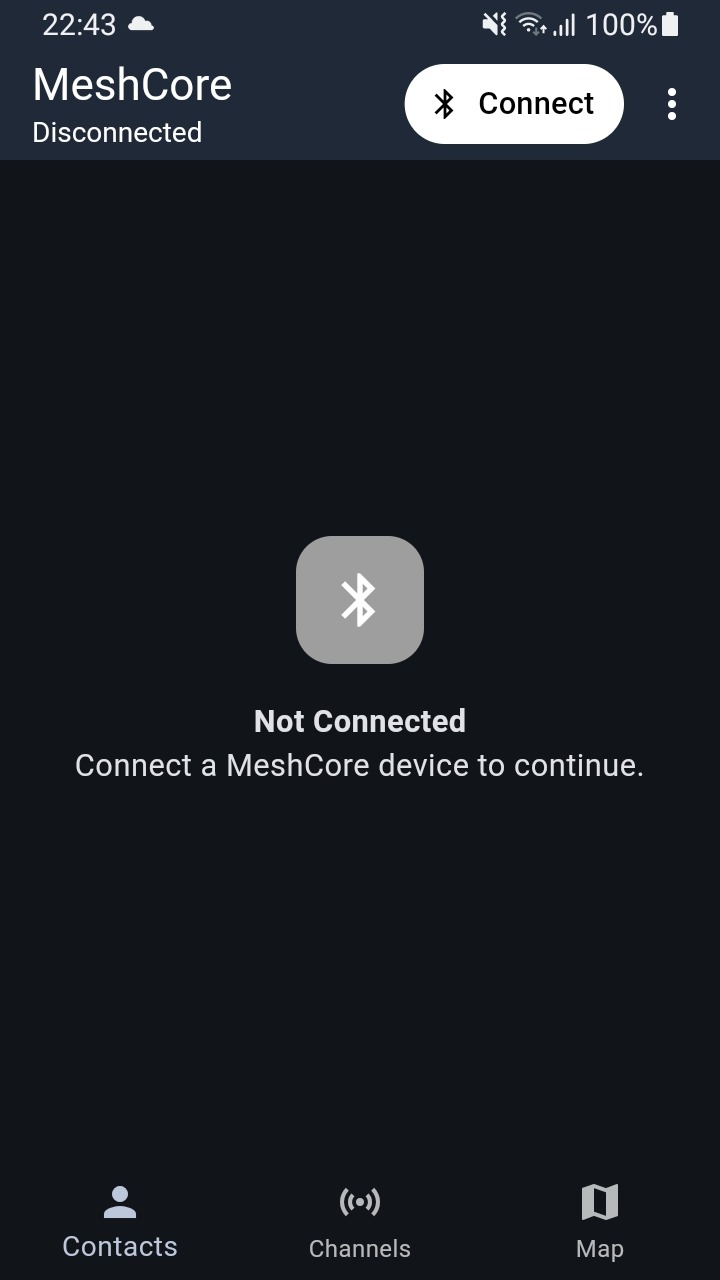
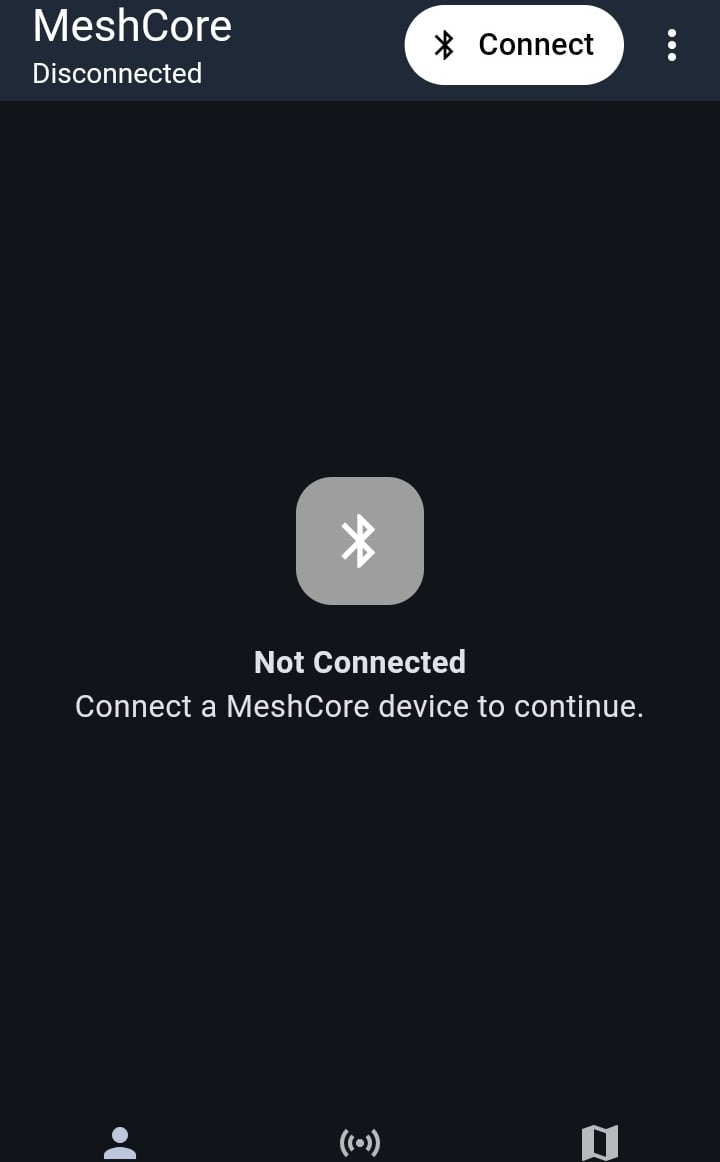
in the App select "connect"
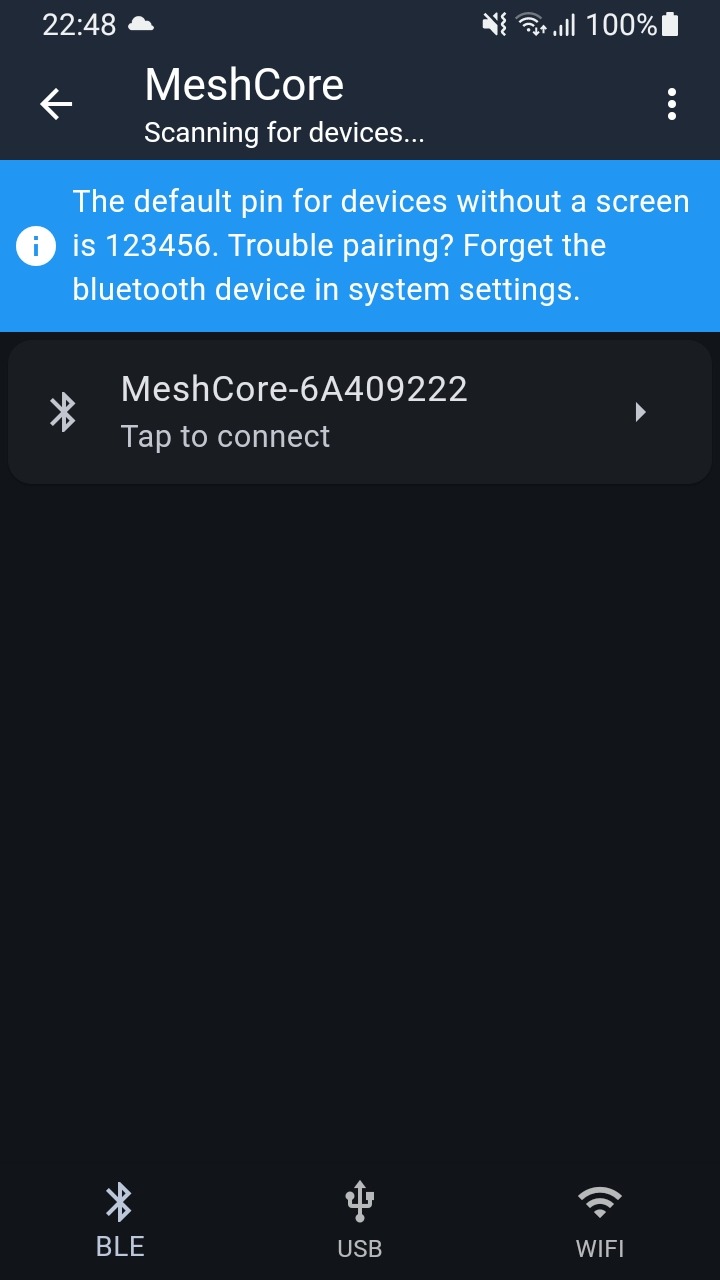
if you are close to your radio, you should see it on the list, as on the 2nd photo
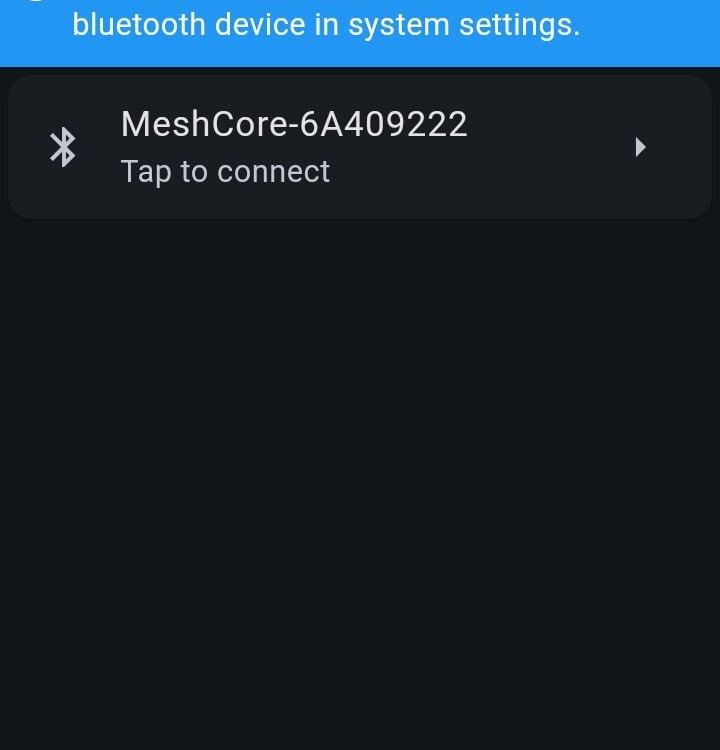
select your device form the list
provide 6 digit code ( as on the snip)
This article won't describe how to flash firmware onto the device. I assume that you already have the hardware ready. The goal is to brifley guide you through the setup process in the Meshcore app.
Step 2 configuration
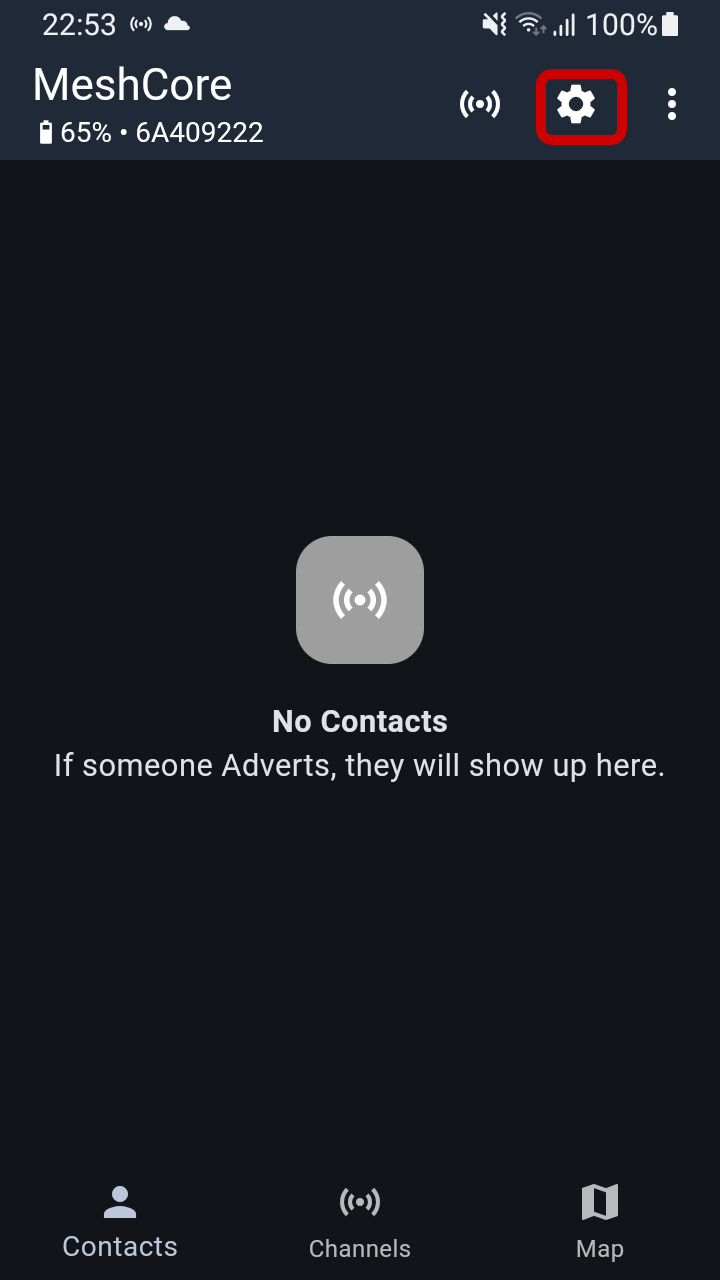
After pairing, select settings
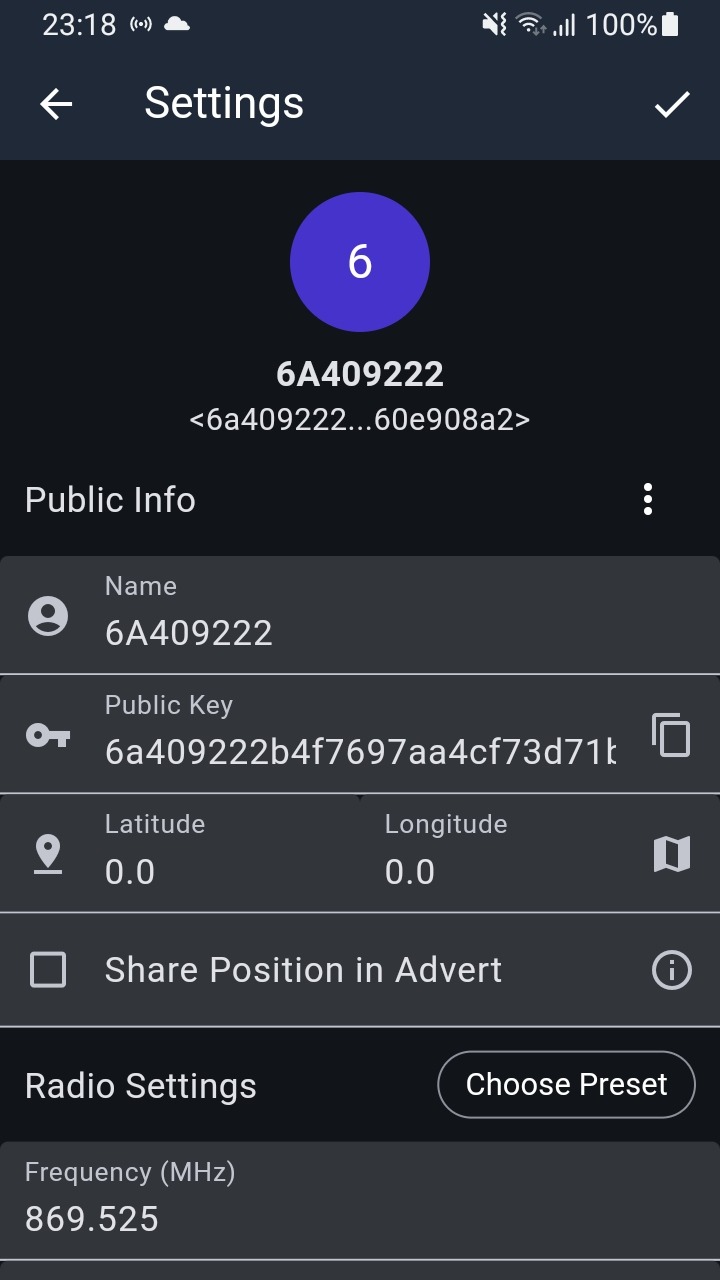
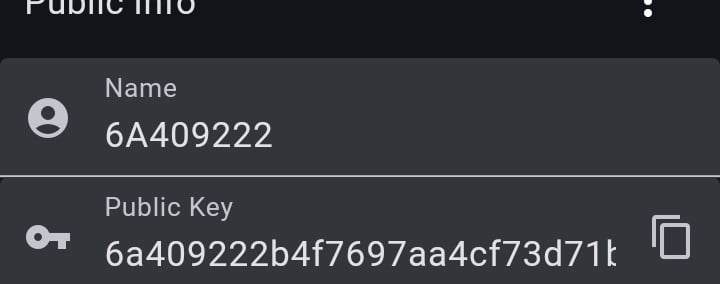
Change Name form random to something more human frendnly and git "confirm" sing in the top right corner
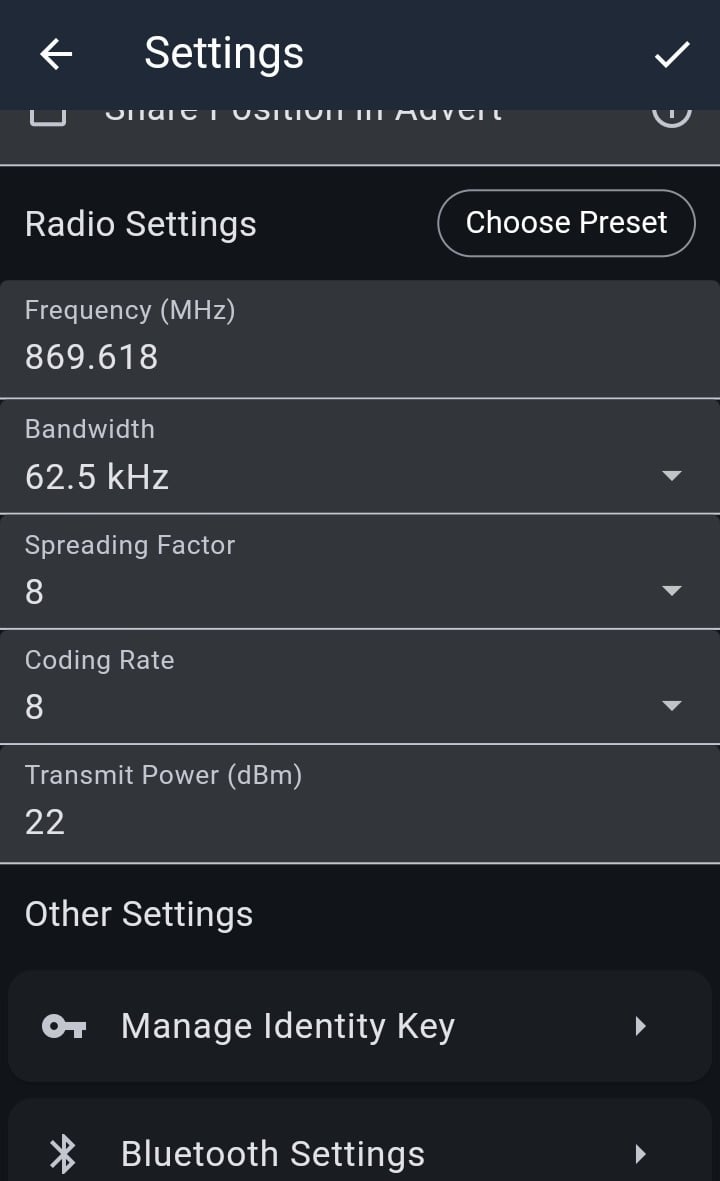
Radio settings
Before selecting anything form there, check the online meshcore map, to see what is the correct setup for your area, or ask your friends that are already connected.
The radio settings are important. If you select wrong settings, nothing bad will happen, but you will not be able to communicate with others.
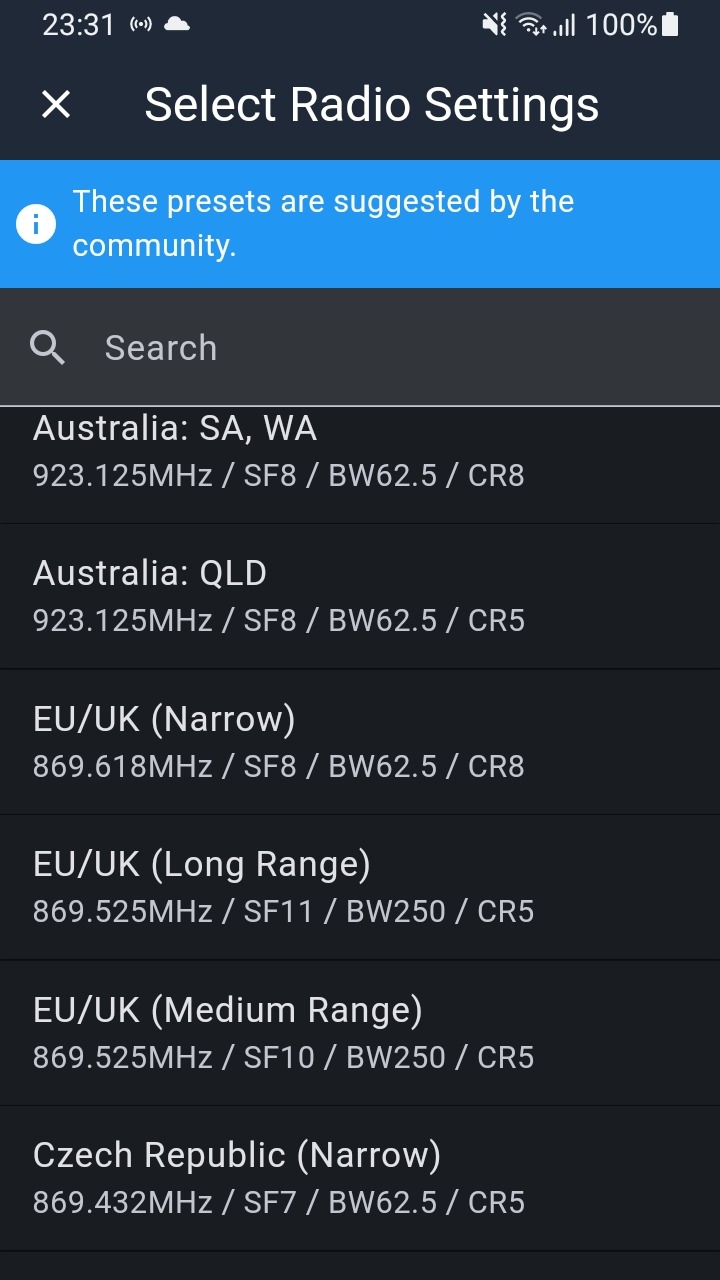
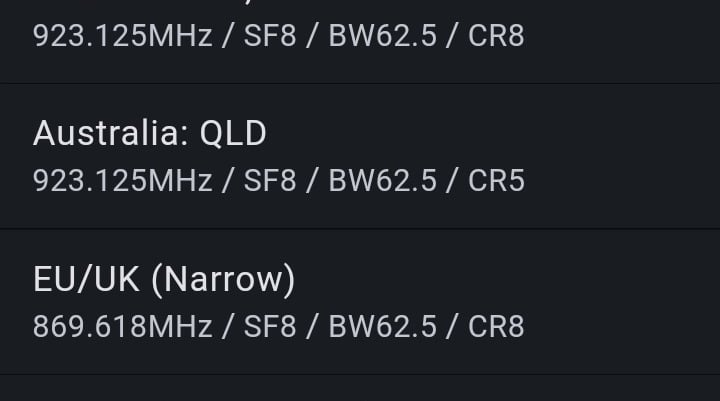
In Madrid zone we are using standard preset EU/UK Narrow.
Click "choose Preset" and select it form the drop down list.
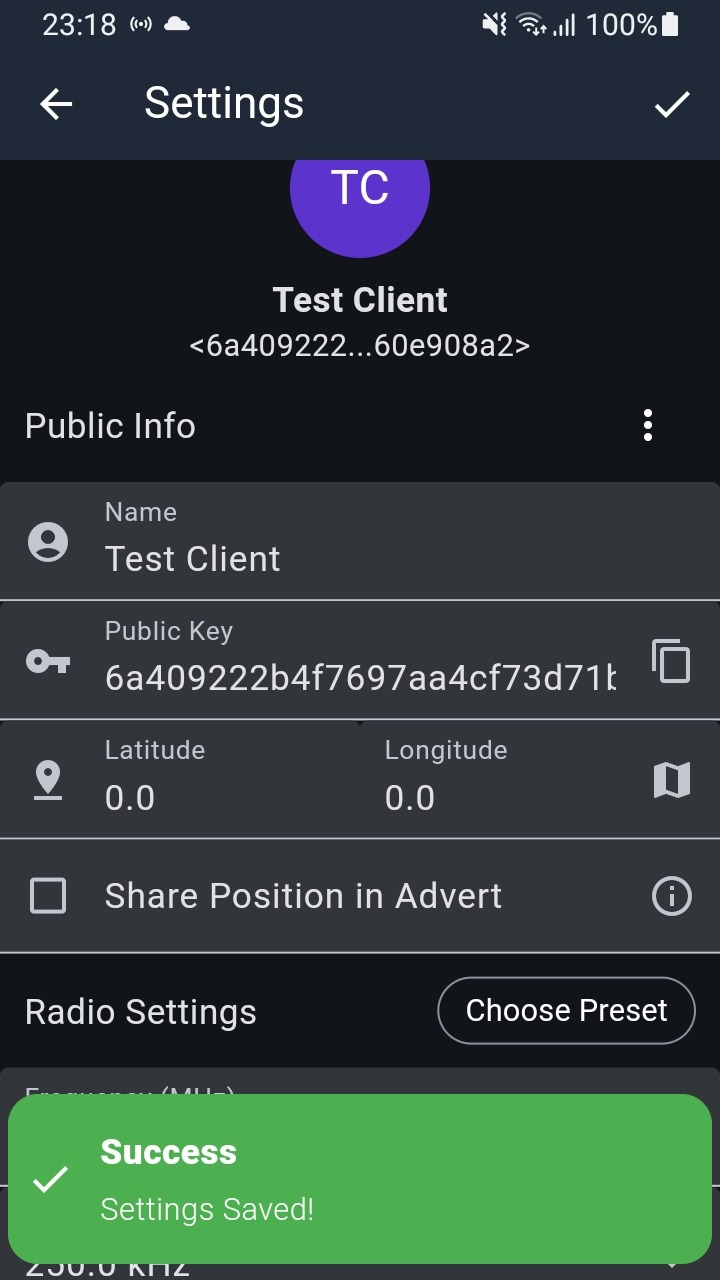
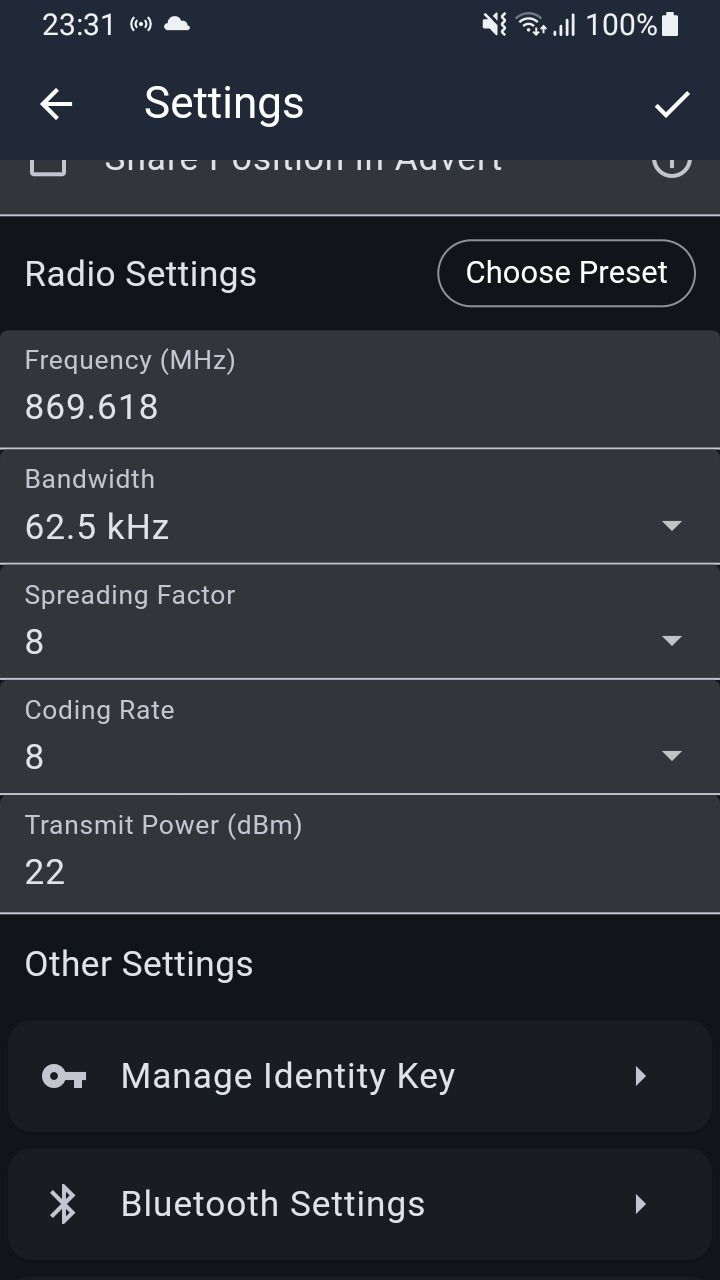
The final result will look like this.
Click "confirm" in the top right corrner.
Good practice / recommendations
About the name, be privacy conscious, but give something human friendly, maybe related to your city, area? Maybe not exactly your full name.
Coordinates, and location sharing, I would recomend to set something here, maybe not the exact location, but something close, to let others know in what area you are.
500-1000m is a safe range form the exact location.
this position will be shared when you send an advert .
For privacy reasons, Meshcore App is not taking the location form your device, you have to have GPS on your companion radio, or add position manually form the map.
If you leave it to 0,0 your position will not be shown on the map.
All done!
If you have set everything and save ( save button top right corner), you are good to go,
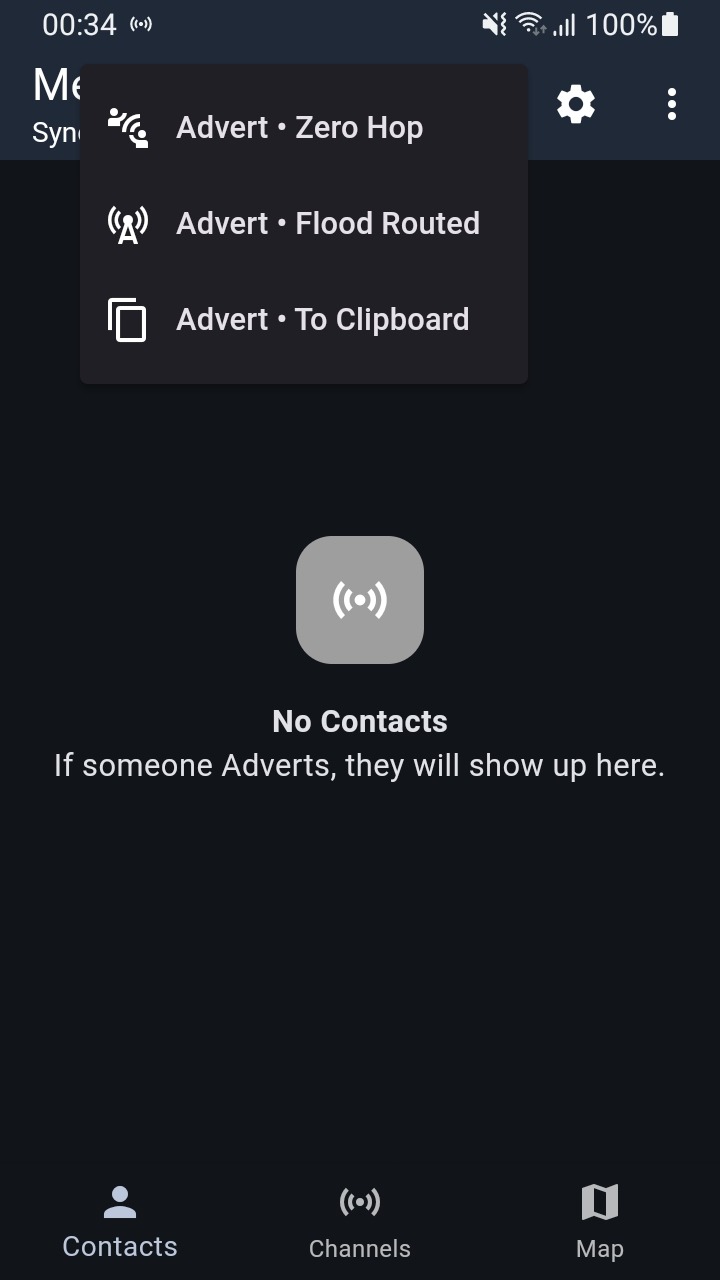
You can send some adverts, and write a message on public channel, like “hello everyone” ;-)
Happy Meshing!
© 2025. All rights reserved.